Een B2B productfotografie gids voor vape catalogi: fotolijst, verlichting, consistentie, verpakking en beeld SEO.
Snel antwoord:a wholesale product photo needs to show the device, the packaging and the detail a buyer checks before ordering. Use a plain background, consistent angles, soft light and a file size that loads quickly. A lifestyle image can support the page, but it cannot replace the product image.
This guide is for vape brands and distributors building a B2B catalogue in 2026. It covers the shot list, the setup, the consistency rules and the image SEO that supports product pages.
1. The shot list
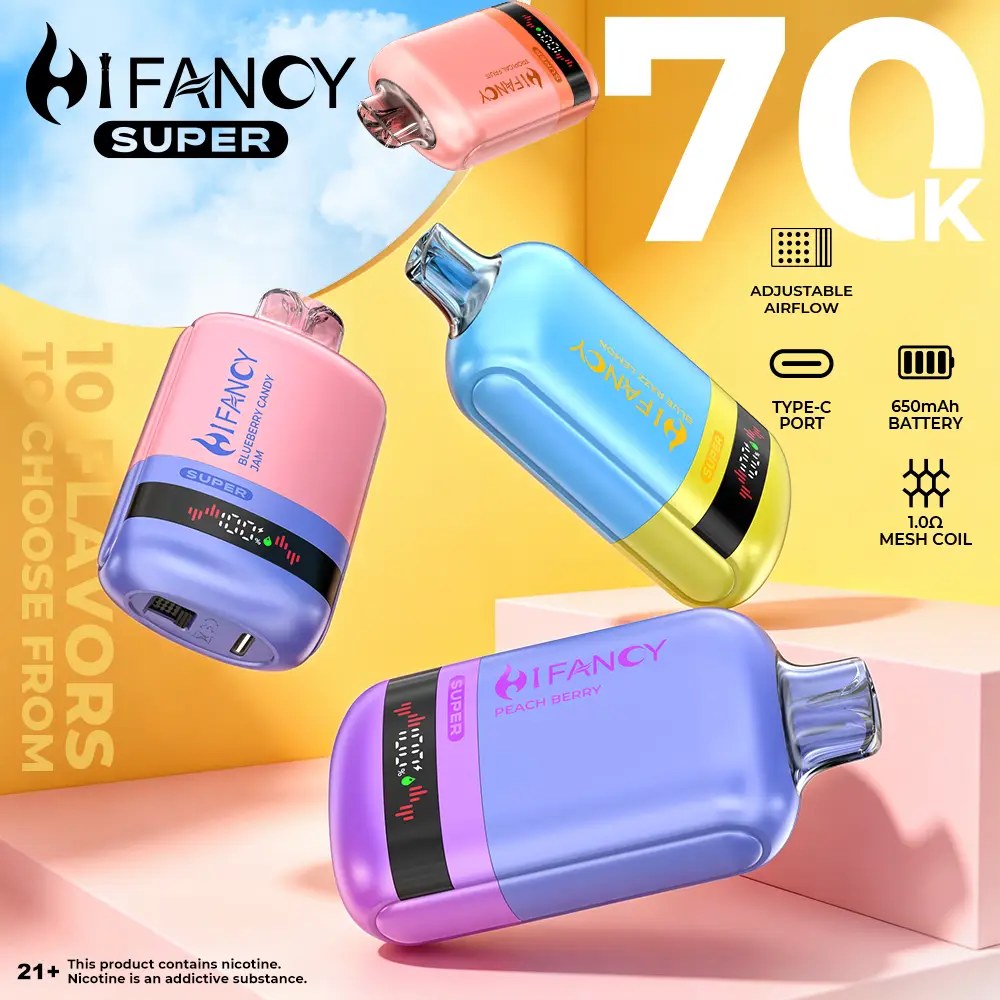
For each SKU, shoot a front view, a back/label view, a detail of the mouthpiece or pod connection and a carton shot. For a multi-flavour device, show the edition or chamber layout. For a replacement pod, show that the device is not included.
Add one scale reference if the size is not obvious. A device that looks small in one photo and large in another creates wrong expectations.
2. The setup
Use a plain white or light grey background, two soft lights and a stable surface. Avoid direct flash and hard shadows; they hide the label and make the product look different from the carton. Clean the device before the shoot; fingerprints and dust are visible at full size.
Shoot at the highest resolution you have, then resize for the web. Keep the original files for print and marketplace use.
3. Consistency across the catalogue
| Element | Regel |
|---|---|
| Background | Same colour and brightness |
| Angle | Same front angle for every SKU |
| Licht | Soft, even, no hard shadow |
| Crop | Same margin around the product |
| File | WebP/JPEG, compressed |
A consistent grid makes the category page easier to scan and reduces the “is this the same product?” question.
4. Packaging and label
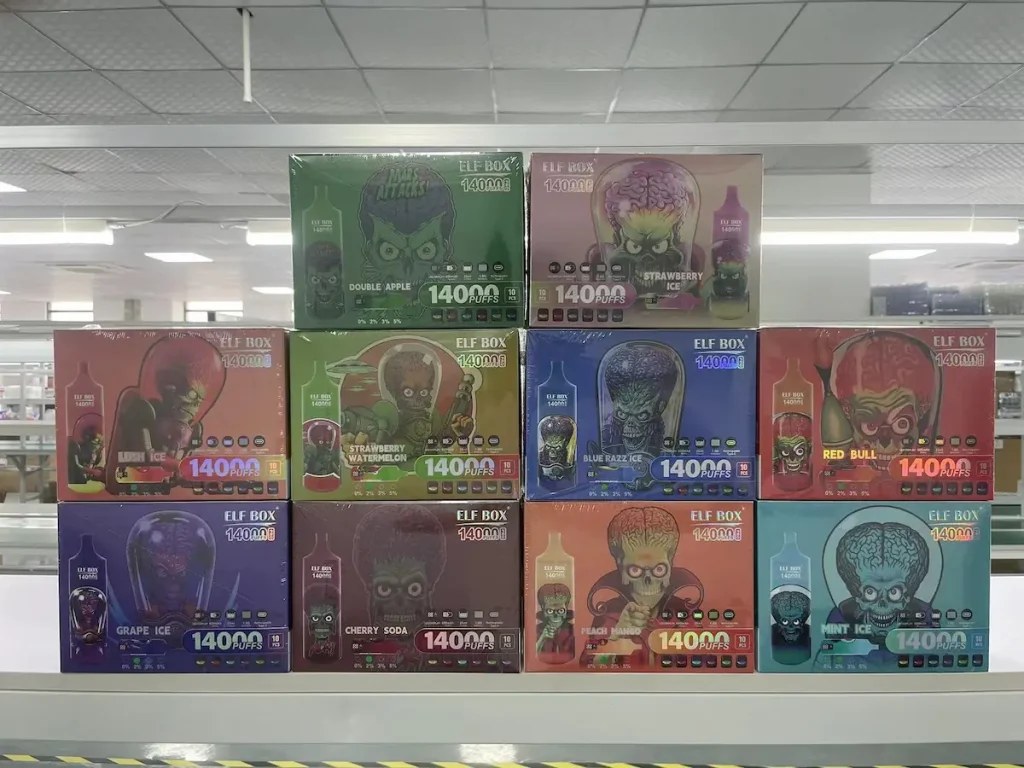
The carton is part of the product. Photograph the front, the label panel and the batch area. A buyer needs to see the warning, the flavour and the quantity. If the label differs by market, photograph the version you are selling.
Do not retouch a label to remove a warning or change a flavour name. The image must match the shipment.
5. Image SEO
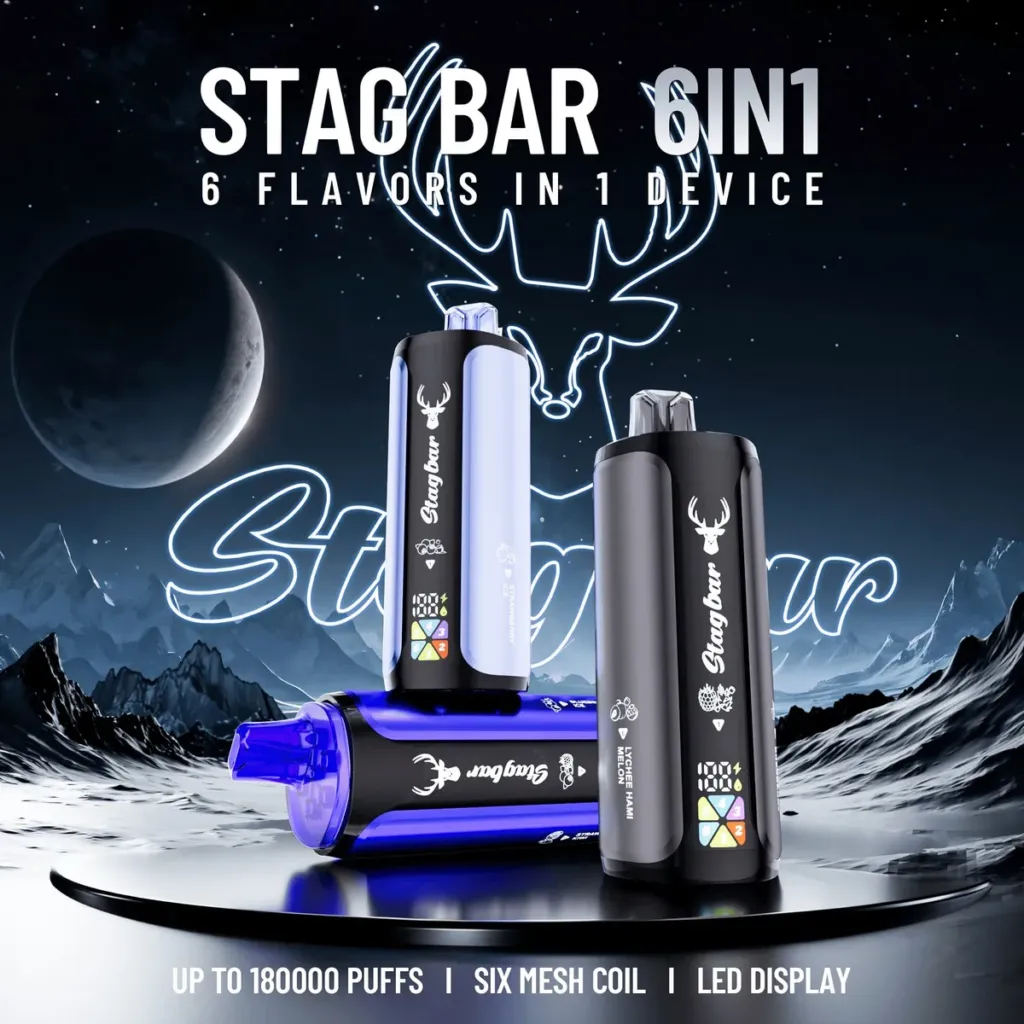
Use a descriptive file name and alt text: “Stag Bar 180K 6-in-1 disposable vape front view” is better than “IMG_2034”. Keep the alt text factual; do not stuff keywords. Compress the image and use a responsive size so the product page stays fast.
Add the product name and SKU in the image metadata if your workflow supports it. That helps the catalogue team find the correct file.
6. A simple workflow
- Clean the sample and check the batch.
- Shoot the front, back, detail and carton.
- Colour-check against the physical product.
- Resize and compress for web.
- Name the files and add alt text.
- Publish and check the mobile crop.
Lighting and colour
Use two soft sources at 45 degrees and a white reflector. Avoid mixing daylight and a warm lamp; the product colour will shift and the label may look different from the carton. Check the white balance against a grey card or the packaging white.
Shoot a colour reference with the first SKU and keep it for the session. If the device has a metallic finish, adjust the light position rather than increasing exposure.
Editing and batch consistency
Edit for crop, exposure and dust removal, not to change the product colour. Keep the label text readable at mobile size. Save a web version and a print version from the same master file.
When a new batch arrives with a different label, replace the image and note the batch date. An old image on a new batch is a support issue waiting to happen.
File naming and quality check
Use a consistent name: brand-model-view-date.webp. Add the SKU in the catalogue, not only in the file name. Keep the original RAW or high-resolution file in a folder that the product team can access.
Check the image on a phone before publishing. The label should be readable and the product should fill the frame without being cropped. Check the background for dust and the colour against the physical sample.
When a product changes, replace the image and note the batch date. An old image on a new carton is a support issue. A consistent set of four images is better than twenty inconsistent ones.
Review the catalogue quarterly. Remove images that no longer match the current product and update the alt text when the product name changes.
Practical checklist
Clean the sample, check the batch and prepare the front, back, detail and carton shots. Use the same background and angle for every SKU in the session.
Check the colour against the physical product and the label text on a phone. Compress the image and add a descriptive file name and alt text. Keep the master file for print.
After publishing, check the category grid. If the product looks different from the neighbouring image, reshoot or adjust the crop. Consistency matters more than a dramatic angle.
- Four shots per SKU.
- Same background.
- Label readable on mobile.
- File and alt text named.
Common mistakes
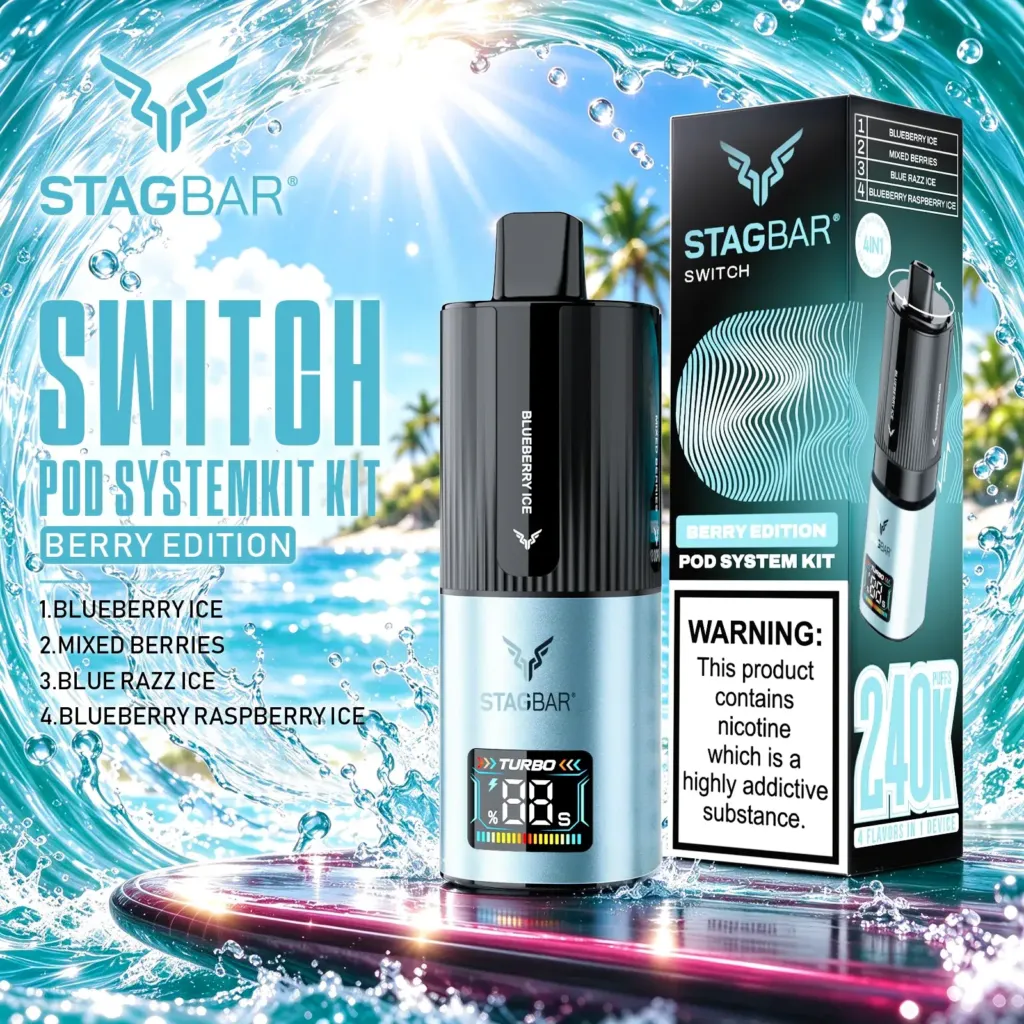
The first mistake is using a lifestyle image as the main product image. The second is mixing light sources so the product colour changes between shots. The third is publishing an image that no longer matches the current label.
Use the same background, angle and light for every SKU, and replace the image when the batch changes. A consistent catalogue is easier to scan and easier to support.
Keep a small reference sheet with the background colour, light position and camera settings. A repeatable setup makes a new SKU easy to add without changing the look of the category grid.
Finally, review the images on a slow mobile connection. If the product grid takes too long to load, compress the files or reduce the image count. A sharp image that delays the page is not a good catalogue image.
Check the image on a phone before publishing; a label that is readable on a desktop may be too small in the grid.
Keep the master image and the web image separate so a later crop does not reduce the print quality.
FAQ
Can I use supplier photos?
Only if you have permission and the photo matches the current batch. A supplier image may show an older label or packaging.
How many images does a product need?
Four to eight useful images are usually enough: front, label, detail and carton, plus any edition or compatibility view.
Should I use a lifestyle image as the main image?
No. Use the product image as the main image; a lifestyle image can be a secondary visual.
Next step:use theStagbar 180K 6-in-1as a test SKU and shoot the four-image set before the next product upload.
Related reading: Product page checklistEnShelf signage and staff scripts.
Sources and review
Prepared by the VapeEazy Trade Desk for B2B catalogue teams. This is practical guidance, not legal advice.
- Google Search Central — Product structured data
- Google Merchant Center — Image requirements
- WHO — Tobacco fact sheet
Reviewed by the VapeEazy Trade Desk.Read oureditorial policy. Last reviewed: 18 November 2026.
Keep the buying sheet and the next review date with the order file so the decision is easy to repeat.
Bron van dit artikel?
Vraag ernaar bij de Verkoopteam.
Stuur de product- of merkenlijst en de bestemmingsmarkt - wij bevestigen de voorraad, MOQ en route.
Vraag een offerte aan