A pre-shipment invoice checklist for vape wholesale: VAT numbers, Incoterm, packing list, batch and label proof.
Quick answer: a vape wholesale invoice should match the purchase order, the packing list and the batch record. Check the legal names, VAT numbers, Incoterm, quantity, unit price, batch and label documents before the shipment leaves. A wrong invoice can stop customs, delay the buyer and turn a clean sale into a credit note.
This guide is for suppliers and buyers handling cross-border vape shipments in Europe. It is a commercial checklist, not tax advice.
1. Commercial invoice fields
- Supplier legal name, address and VAT number.
- Buyer legal name, address and VAT/EORI number.
- Invoice number and date.
- Product description, SKU and quantity.
- Unit price, line total, currency.
- Incoterm and named place.
- Country of origin and HS code where required.
- Batch or lot reference.
Use the same product description as the customs documents and the buyer’s purchase order. A different name can trigger a question at the border.
2. Packing list
The packing list should show cartons, units per carton, gross and net weight and the batch. If a carton is mixed, list the split. A packing list that says “assorted” without quantities is not useful for customs or for the buyer’s receiving team.
3. Label and compliance documents
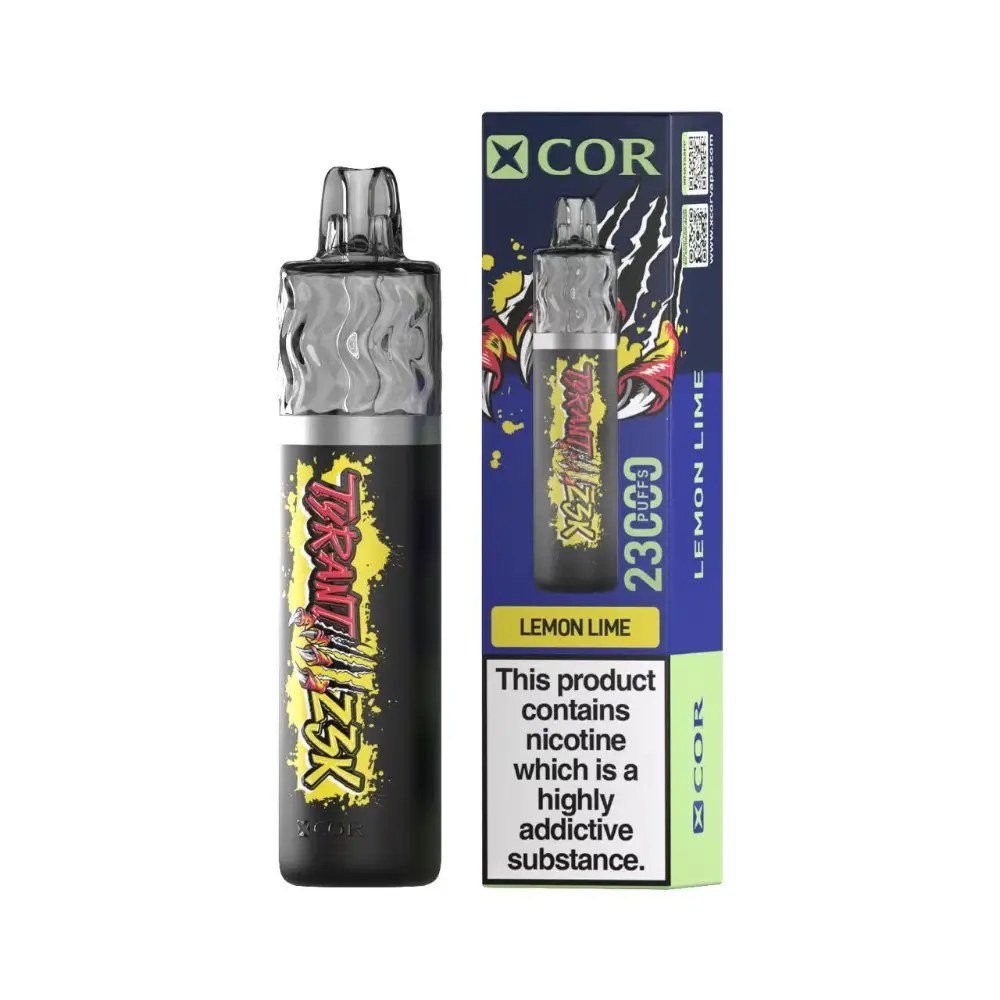
Keep the label proof, the batch record and the responsible-person/importer details with the shipment file. The buyer may need them for the local market. If the documents are incomplete, the shipment can arrive but the product cannot be sold.
4. Common errors
| Error | Result |
|---|---|
| Wrong VAT number | Invoice rejected / delayed |
| Quantity mismatch | Customs query / credit note |
| Missing Incoterm | Unclear duty responsibility |
| Batch missing | No traceability |
| Label proof missing | Product cannot be listed |
5. Pre-shipment check
Check the invoice against the purchase order, the packing list against the cartons and the label against the destination requirements. Ask a second person to check the VAT numbers and the total. A five-minute check is cheaper than a customs hold.
6. After delivery
File the invoice, packing list, batch record and delivery note together. If a claim or a tax question arrives later, the file answers it without searching through email. Keep the file for the period required by local law.
Invoice and order matching
Match the invoice to the purchase order line by line: product, quantity, unit price and currency. Check the total and the VAT treatment. If the buyer ordered a mixed carton, the invoice should show the split or a clear reference to the packing list.
A small quantity difference can be a picking error or a legitimate carton split. Ask before changing the invoice; do not issue a credit note for a difference that is not confirmed.
Document pack for the buyer
Send the invoice, packing list, batch record and label proof in one folder. The buyer should not have to request each document separately. If a document is missing, state when it will arrive and who will send it.
Keep the shipment file after delivery. A tax or customs question can arrive months later, and the file is the fastest answer.
Common document gaps
The most common gaps are a missing VAT number, a quantity that does not match the packing list and a label proof that arrives after the shipment. Each one can stop a buyer from listing the product. The supplier should treat the document pack as part of the order, not as after-sales admin.
Use a checklist at dispatch and a second check at delivery. The buyer should confirm the documents on receipt and raise a query within the agreed period. A late query is harder to fix.
Keep one folder per shipment with the invoice, packing list, batch record and label proof. A clean file protects both sides.
Quick audit
Check the invoice against the order and the packing list before dispatch. Confirm the VAT number and the Incoterm. A missing document is easier to fix before the truck leaves.
- Quantity matched.
- VAT number checked.
- Incoterm stated.
- Label proof attached.
FAQ
Should the invoice show the batch?
It should show a batch or lot reference where possible. It helps traceability and after-sales.
Can the packing list replace the invoice?
No. They serve different purposes; both should match the order.
Who checks the VAT number?
The supplier should validate it before issuing the invoice; the buyer should also confirm it on the order.
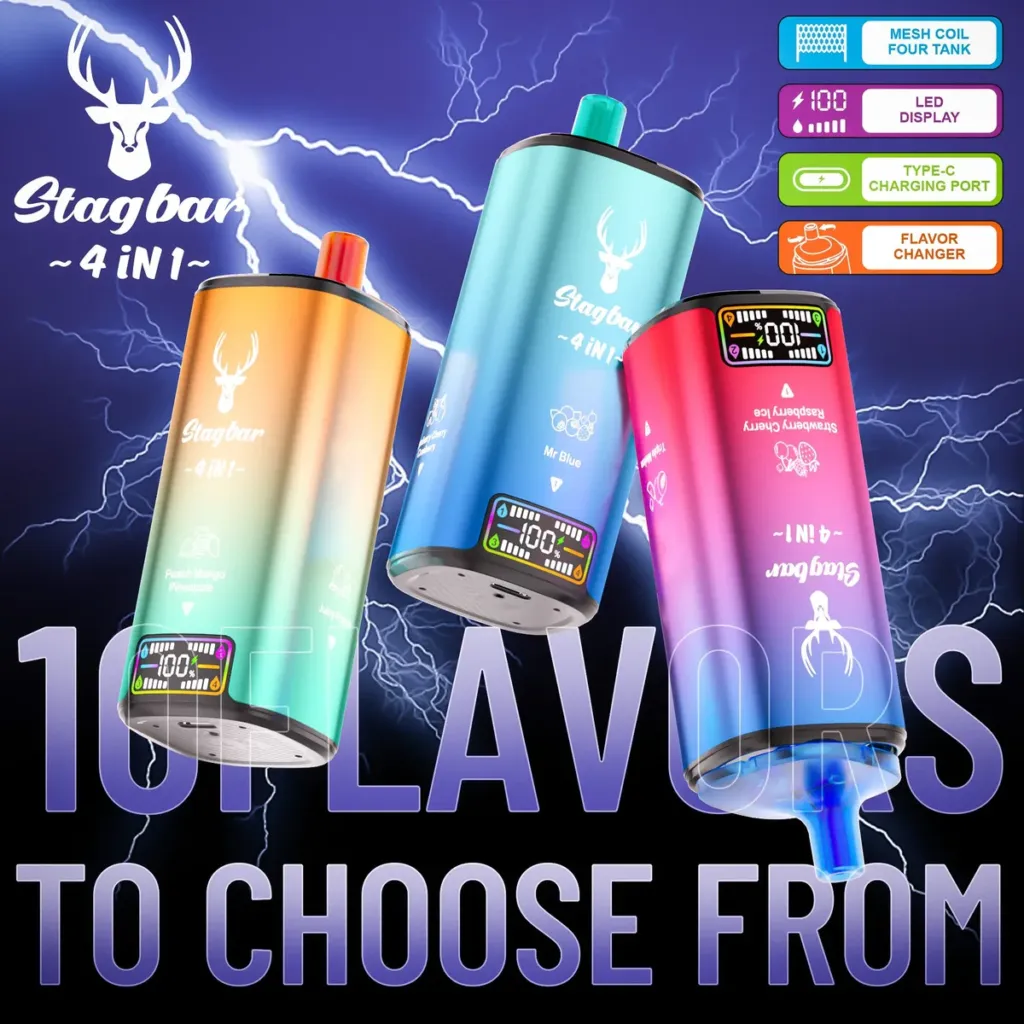
Next step: use the Stag Bar 80K 4-in-1 as a test shipment and run the invoice, packing list and label check before dispatch.
Related reading: Landed cost and EU market entry checklist.
Sources and review
Prepared by the VapeEazy Trade Desk for B2B buyers. Tax and customs rules vary by market; confirm with the importer or adviser.
Reviewed by the VapeEazy Trade Desk. Read our editorial policy. Last reviewed: 19 November 2026.
Sourcing from this article?
Ask the trade desk.
Send the product or brand list and destination market — we will confirm stock, MOQ and route.
Request a quote