A launch checklist for a new vape SKU: sample, commercial terms, label, content, first order and post-launch review.
Quick answer: a new vape SKU launch needs five gates: product sample approval, commercial terms, compliance and label check, content and photography, and a first-order plan. If one gate is missing, the launch becomes a stock problem rather than a sales opportunity.
This checklist is for suppliers and retailers launching a new disposable or pod-system SKU in Europe. It covers the work between “sample approved” and “first reorder”.

1. Sample and specification
Approve the physical sample, not only the product image. Check the capacity, coil, battery, charging, draw and packaging. Compare the sample with the current specification sheet and note any difference. A launch based on a sample that differs from the production batch creates returns.
Photograph the sample from the same angles you will use on the product page. If the production batch looks different, update the images before launch.
2. Commercial terms
Confirm the unit price, MOQ, carton quantity, lead time, Incoterm and payment terms. Calculate the landed cost and the planned retail price before the launch. If the margin does not work at the expected sell-through, change the price or the pack before ordering.
Decide the first order size: one carton test or a larger launch order. A new SKU should usually start with a test quantity unless the shop has pre-orders or a distributor commitment.
3. Compliance and label
Check the label language, warnings, nicotine content and batch information. Confirm whether the product needs notification or a responsible person in the destination market. Do not launch a product with an unapproved label and fix it after the first shipment.
Keep the label proof, batch record and supplier specification in one folder. The shop should be able to answer a compliance question without searching through email.
4. Content and photography
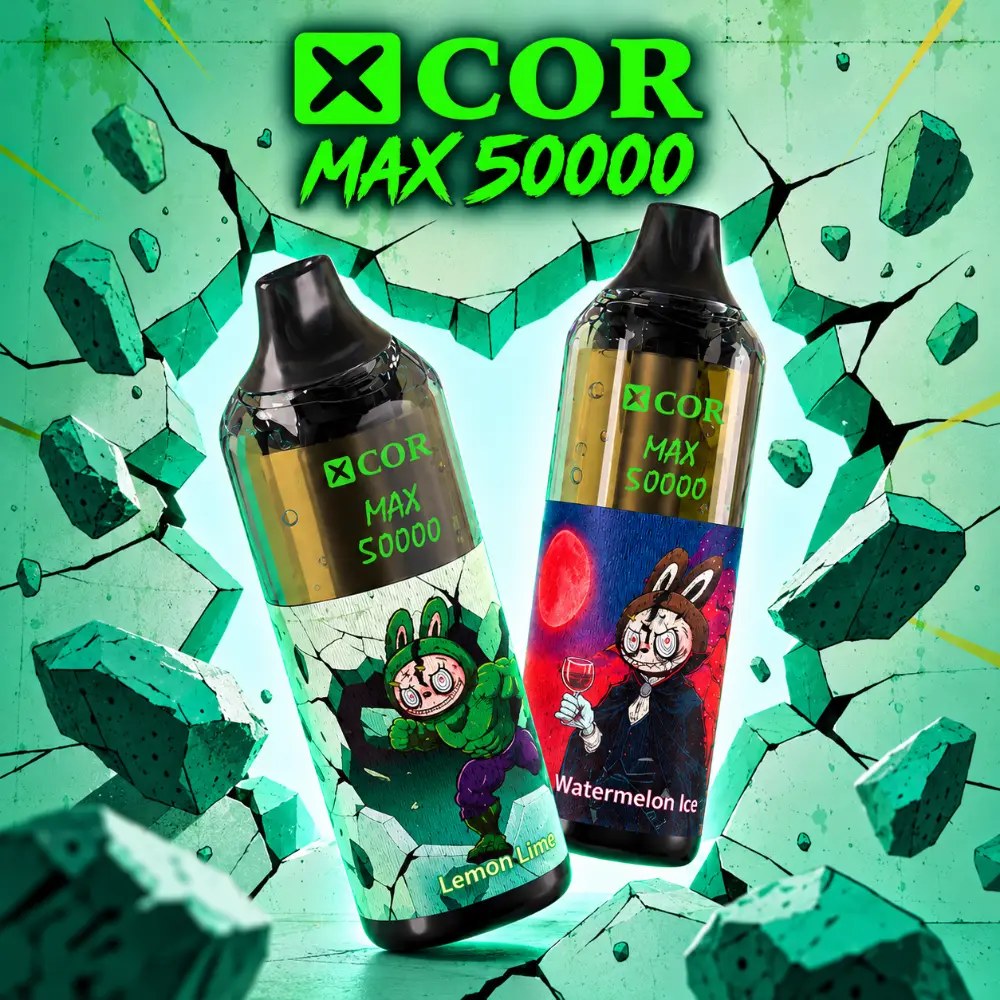
Prepare the product page, one hero image, two or three detail images and a short specification table. Write a Quick answer and a buyer-fit paragraph. Add the MOQ, carton and delivery route. Do not copy the supplier’s catalogue text without checking it against the sample.
Prepare a short email and a shelf card for the launch. The message should answer: what is new, who it suits and how to order. A launch with no content is a product waiting in the stockroom.
5. First-order plan
Decide the display location, the sample unit and the reorder point before the stock arrives. Set a review date and a stop rule. Train the staff on the product’s role and the one-sentence difference from the nearest SKU.
After launch, record the first two weeks of sell-through and customer questions. If the product does not move, adjust the display, price or content before reordering.
Launch checklist
- Sample approved and matches the specification.
- Price, MOQ, carton and lead time confirmed.
- Label and compliance checked for the market.
- Product page, images and shelf card ready.
- Staff trained on the product role.
- First order and reorder point set.
- Review date scheduled.
Launch timeline
Work backwards from the stock arrival date. Four weeks before: approve the sample, confirm the label and order the first carton. Three weeks before: shoot the images, write the product page and prepare the shelf card. Two weeks before: train the staff and set the display location. One week before: check the stock, the price and the quote route.
Do not publish the product page before the stock and the label are confirmed. A page that goes live with the wrong specification or an unavailable product creates support work and lost trust. If the launch date moves, update the page and the email before the stock arrives.
Post-launch review
At the first review, check sell-through, customer questions and returns. If the product is selling but returns are high, the issue may be the explanation or the compatibility note. If the product is not selling, check the price, the display and the product page before ordering more.
Record what changed after the launch: the price, the display, the content or the customer segment. That note makes the next launch faster and prevents the same mistake.
A launch is complete when the first reorder decision is made, not when the product page goes live.
Launch content details
The product page needs a clear title, one H1, a short Quick answer and a specification table. Add a buyer-fit paragraph and a comparison with the nearest SKU. The page should not launch with a placeholder image or an empty description.
Prepare a shelf card with the product class, format and price step. The card should match the page and the staff script. If the product is a replacement pod, the card must say “pod only”.
Schedule the email and the social post for the day the stock is available, not before. A launch that sends traffic to an unavailable product wastes the first impression.
Keep the launch assets in one folder: images, product page copy, shelf card, email and staff notes. When the next batch arrives, the team can update the batch date and reuse the rest instead of rebuilding the launch.
If the product is seasonal, plan the end date as well as the launch. A seasonal SKU that stays on the shelf after the season becomes a markdown.
A launch should have one owner and one date. If several people own it, the images, label and stock can move at different speeds. Put the owner and the review date in the launch document.
If the launch is delayed, tell the staff and update the page before the original date. A product that appears available when it is not creates a support problem and a lost pre-order.
Keep the launch assets and the batch record together so the next reorder is faster.
Set a clear owner for the launch and a single review date; shared ownership is the most common cause of a delayed launch.
If the first carton sells through, reorder before the shelf is empty.
Keep the launch notes with the product data so a future buyer can see what was tested and what changed.
A launch is a learning cycle, not a one-day announcement.
Record the launch result and the next step before moving to the next SKU.
FAQ
How many units should a new SKU launch with?
Start with a test carton unless there is a confirmed pre-order. Scale after the first sell-through review, not before.
What content is essential at launch?
A product page, images, a short specification, MOQ/carton details and a quote route. A social post alone is not a launch.
When should the first review happen?
After the first two weeks or the first carton, whichever comes first. Use sell-through and customer questions, not only revenue.
Next step: use the Hifancy Super 70K as a launch template: sample, specification, content, first carton and review date.
Related reading: Vape wholesale product page checklist and Paid vape samples.
Sources and review
Prepared by the VapeEazy Trade Desk for B2B launches. Confirm local labelling and notification requirements before the first sale.
- European Commission — Tobacco Products Directive
- WHO — Tobacco fact sheet
- Google Business Profile — guidelines
Reviewed by the VapeEazy Trade Desk. Read our editorial policy. Last reviewed: 17 November 2026.
Sourcing from this article?
Ask the trade desk.
Send the product or brand list and destination market — we will confirm stock, MOQ and route.
Request a quote