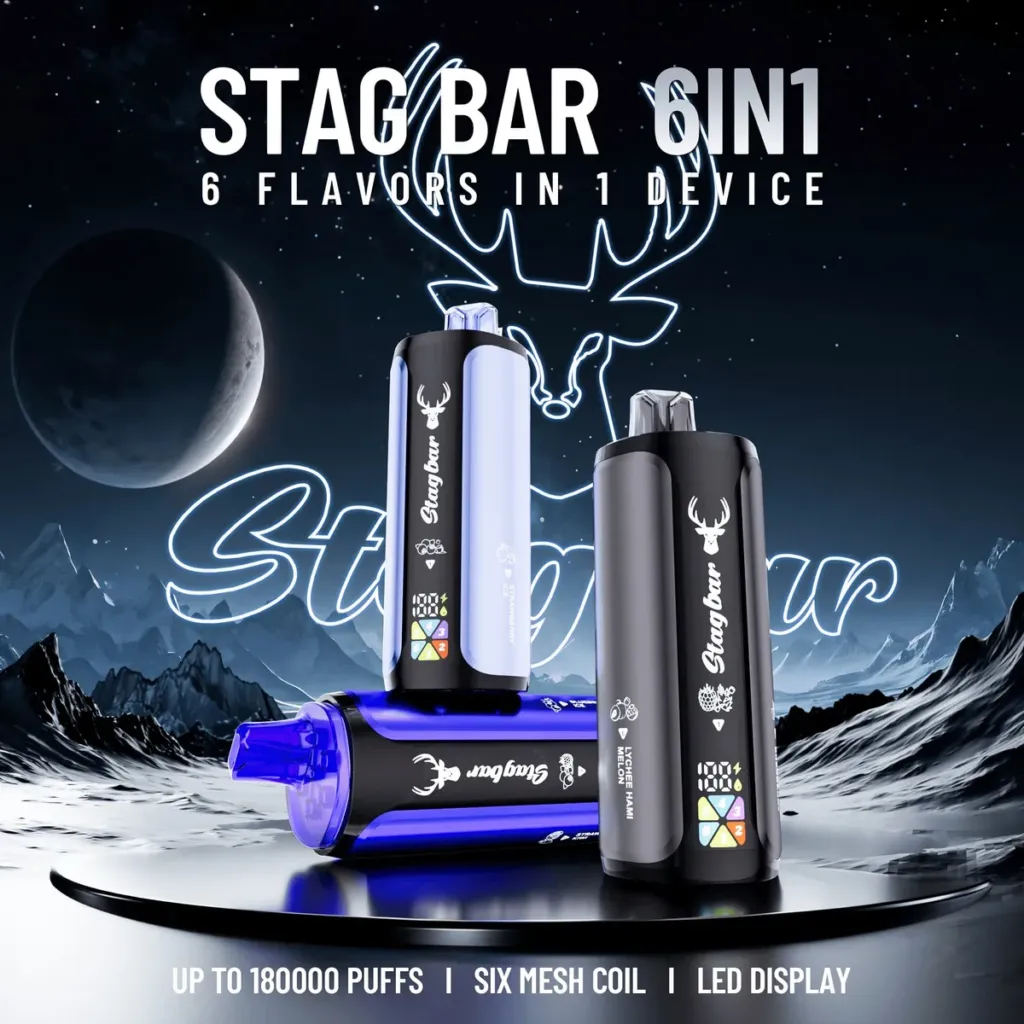
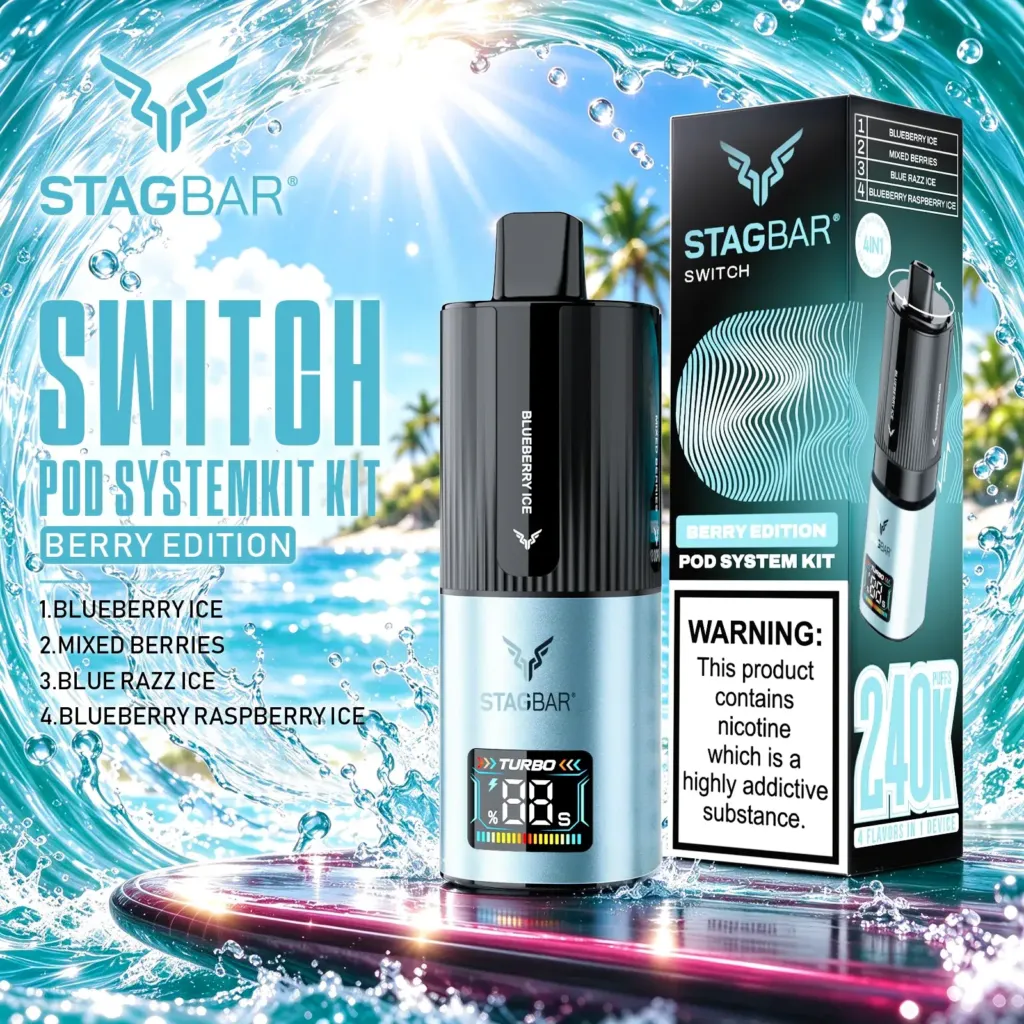
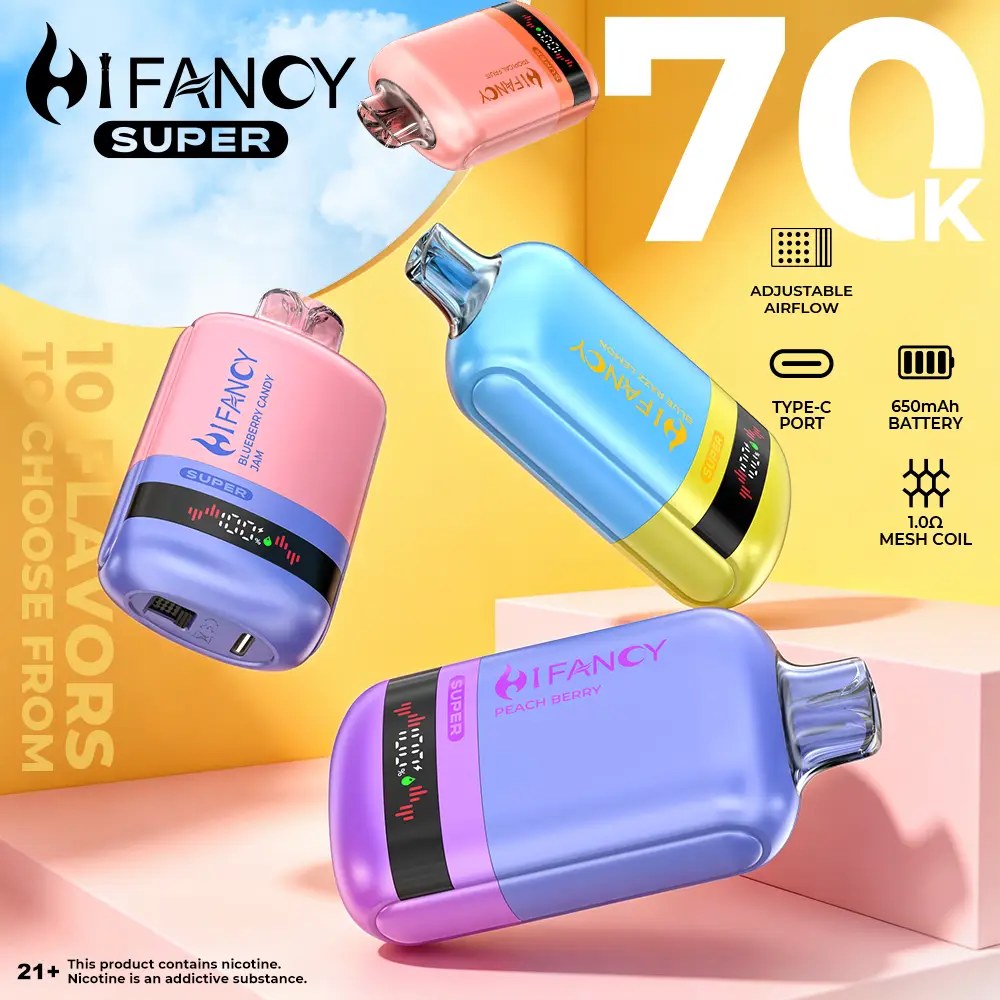
A B2B product page checklist: specification, MOQ, carton, lead time, delivery route, buyer fit, trust and Product schema.
Quick answer: a B2B vape product page needs to answer six questions before it asks for a quote: what the product is, who it suits, what the specification is, what the MOQ and carton are, what the delivery route is, and what the buyer should check before ordering. A page that only shows a product image and a price is a catalogue entry, not a buying page.
This checklist is for wholesale sites building or refreshing product detail pages. It uses the structure of a high-puff vape listing, but the same logic applies to pod systems and e-liquids.
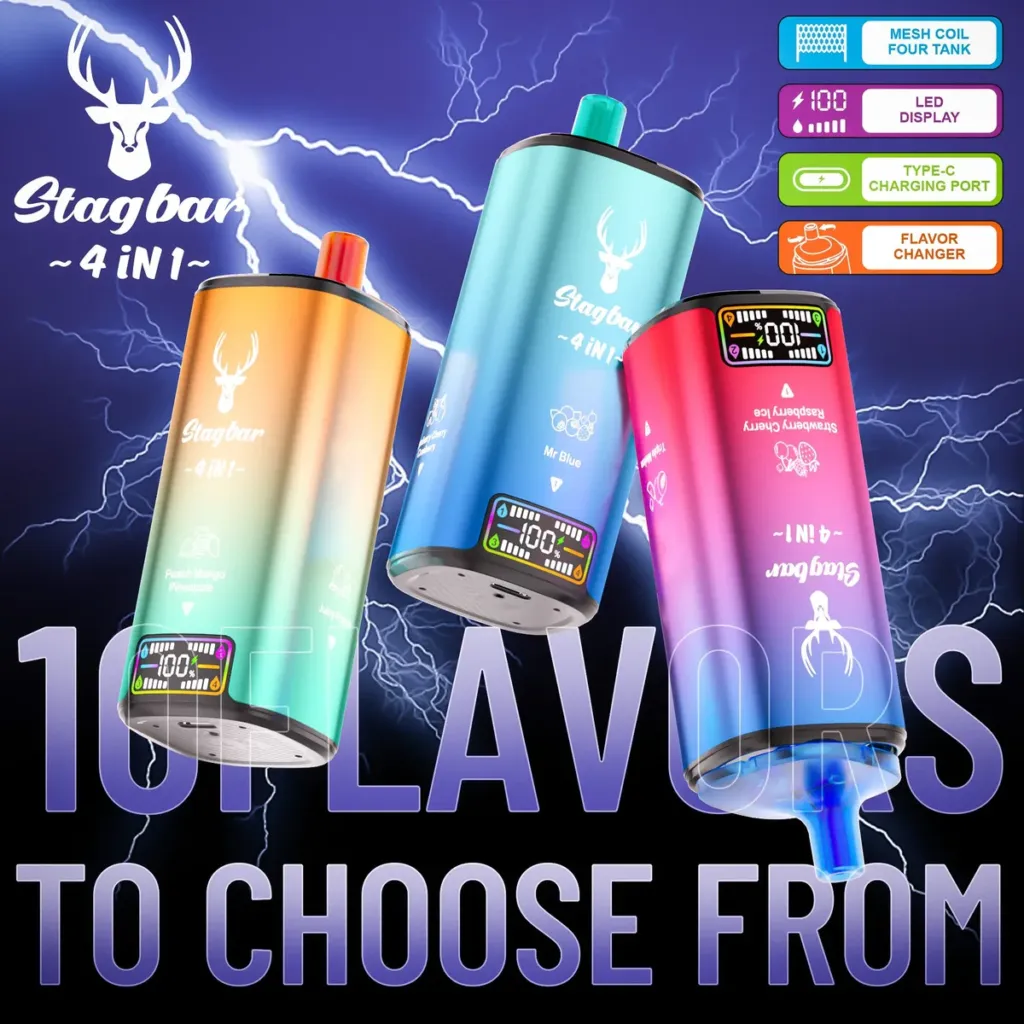
1. Product identity
Start with the full product name, brand, model and format. A buyer should not have to infer whether the product is a disposable, a pod kit, a replacement pod or an e-liquid. Include a clear product image, the pack quantity and the current batch status.
Use the same product name on the page, the carton and the invoice. Inconsistent naming creates picking errors and makes after-sales conversations harder.
2. Specification table
List the facts that change the buying decision: puff class, capacity, battery, coil, charging, display, airflow and nicotine options. Add a short note that specifications are confirmed against the current batch. Do not hide an important limitation in an image or a PDF.
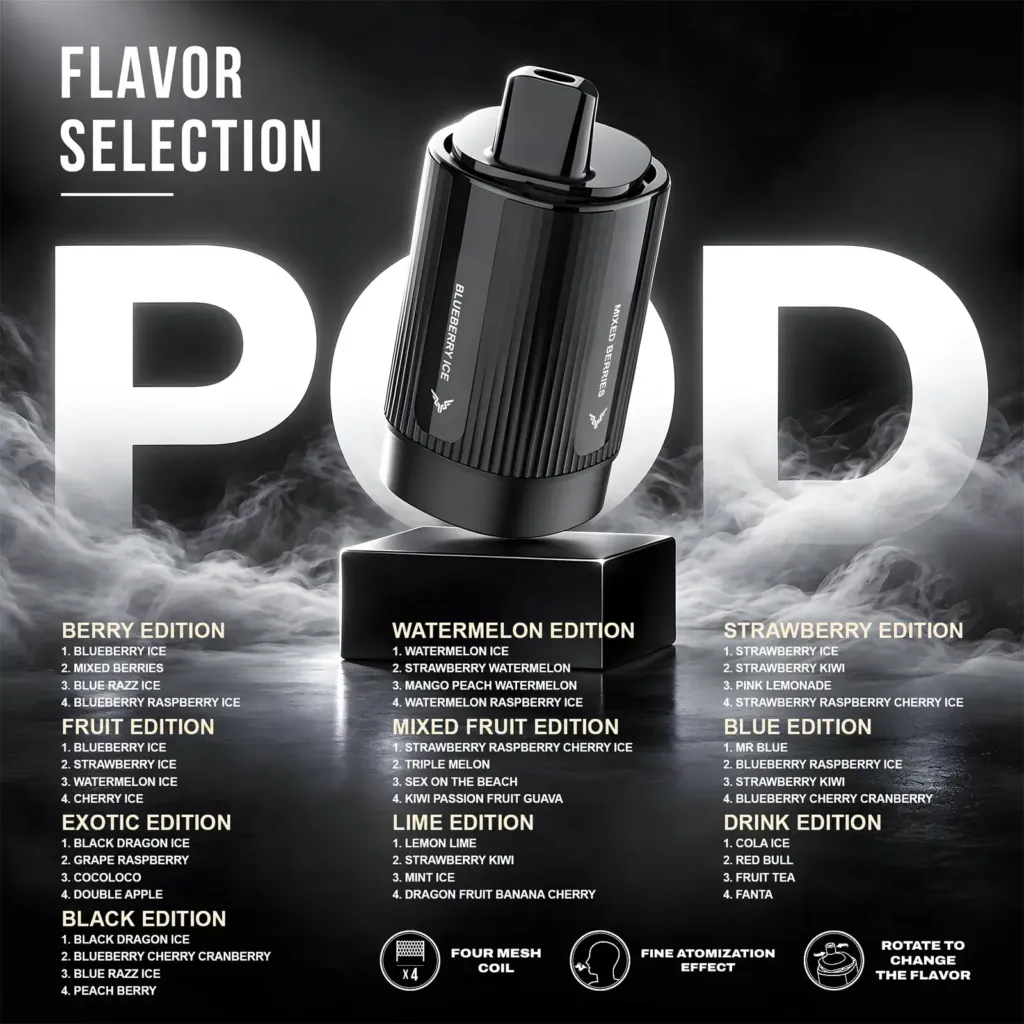
If the product is a multi-flavour device, explain the format and the number of chambers. If it is a replacement pod, state clearly that the device is not included.
3. MOQ, carton and lead time
Show the MOQ, the increments, the units per carton and the expected lead time. A buyer who cannot see the carton quantity cannot calculate freight or shelf space. If the carton split changes by batch, say so and offer a trade-desk confirmation.
Add the delivery options: EU warehouse stock, China direct, DDP or DAP. State that the route and timing are confirmed in the quote, not assumed from the page.
4. Buyer fit and comparison
Add a short section explaining who the product suits and which neighbouring SKU it replaces or complements. This helps the buyer choose without opening five tabs. A comparison table with two or three models is more useful than a long paragraph.
Link to the relevant range guide or category page. Keep the link count modest; the goal is to answer the next question, not to send the buyer away from the product.
5. Trust and compliance
State the trade-only status, age restriction and MOQ. Add the compliance or responsible-person information if it is relevant to the market. Do not make health claims; describe the product and the commercial terms.
Show a clear contact route for quotes and after-sales. A phone number, email and response-time expectation are stronger trust signals than a generic contact form.
6. Technical SEO
Use one H1, a descriptive title and a meta description that includes the product class and MOQ. Add Product schema with price, availability, brand and SKU. Keep the canonical self-referencing and avoid duplicate product variants.
Use descriptive image alt text and compress images. A product page with 20 large images can be slower than a page with six useful ones.
Checklist
- Product name, brand and format are explicit.
- Specification table matches the current batch.
- MOQ, carton and lead time are visible.
- Delivery route and Incoterm are explained.
- Buyer fit and nearest alternative are clear.
- Trade-only, age and compliance notes are present.
- One H1, one canonical and Product schema.
- Images are compressed and have alt text.
Page audit before publishing
Open the page on a phone and check the first screen. Can a buyer see the product name, image and format without scrolling? Is the MOQ visible before the quote button? If the answer is no, the page is not ready. A B2B buyer should not have to hunt for the commercial terms.
Check the internal links to the next relevant page: the category, the range guide, the compatible device or the quote form. Use one primary next step, not five competing calls to action. The page should move the buyer toward a quote, not away from the product.
Run a simple technical check: one H1, unique title and description, self-referencing canonical, Product schema with price and availability, compressed images and descriptive alt text. A page can look good and still fail the technical basics.
Common product-page mistakes
- Showing a price without the MOQ or carton quantity.
- Using the same generic description for every SKU.
- Hiding “replacement pod only” in a footnote.
- Using a lifestyle image where the product detail should be.
- No clear route to the trade desk or quote form.
- Several competing links with no primary action.
A product page is a sales document. It should answer the buyer’s next question at each scroll position, then make the quote step obvious.
After launch
After the page is live, check the search console index status, the mobile layout and the quote form. A product page that cannot be indexed or cannot submit a quote is not finished. Review the page after the first month: which product questions appear in support, and which sections do buyers skip? Update the page with the answers rather than adding more text.
Keep the product data and the page text in sync. If the capacity, MOQ or carton changes, update the page, the schema and the internal quote sheet together. A stale page creates wrong orders and returns.
The best product page is not the longest one. It is the page where the buyer can find the specification, the commercial terms and the next step without guessing. Remove anything that does not help that decision.
Review the page after each range change and keep the structured data aligned with the visible content.
Add a short “what to check before ordering” block near the quote button. It reduces avoidable questions and gives the buyer a reason to trust the page.
Keep the page focused on one product and one next step; a catalogue page is not a product page.
A product page that answers the buyer’s next question is more valuable than a page that lists every possible feature without a decision path.
FAQ
Should a B2B product page show the price?
Show an indicative price or a “request quote” route. If the final price depends on quantity and destination, say so clearly.
How many images does a product page need?
Enough to show the device, packaging and key detail; usually four to eight. More images are not automatically better.
Should the page include a comparison table?
Yes, if the buyer is choosing between close models. Compare capacity, format, battery and price rather than puff number alone.
Next step: use the Stag Bar 80K 4-in-1 listing as a reference for the specification, MOQ and format blocks, then adapt the structure to your own catalogue.
Related reading: High-puff range architecture and How to read a high-puff spec sheet.
Sources and review
Prepared by the VapeEazy Trade Desk for B2B ecommerce teams. Confirm local labelling and trade rules with a compliance adviser.
- Google Search Central — Product structured data
- WHO — Tobacco fact sheet
- European Commission — Tobacco Products Directive
Reviewed by the VapeEazy Trade Desk. Read our editorial policy. Last reviewed: 17 November 2026.
Sourcing from this article?
Ask the trade desk.
Send the product or brand list and destination market — we will confirm stock, MOQ and route.
Request a quote